Build in the open · a write-up
A Postman collection is a map. Gobiman draws it, runs it, and lets you search what came back.
Every API team has a Postman collection: a hundred requests in folders, each with a URL and a token. Postman shows it as a list. Gobiman shows it as the thing it really is: a tree of calls that happen in an order, each one feeding the next, with the responses right there to read.
Why it exists
I kept a Postman collection for a work system with about forty calls, and I kept losing the plot. Which call gives me the ID that the next one needs? Which ones are safe to run again? What did that fourth response look like, the one with the nested array I need a value from? Postman answers each of those questions, but one at a time, in a different panel, and by the third one I had forgotten the first.
So I wrote a small local app that answers them all on one screen. It is one HTML file and a 170-line Node server. You clone it, run node server.js, and open a browser. There is nothing to install and no account to make; your collections never leave your machine.
What you get
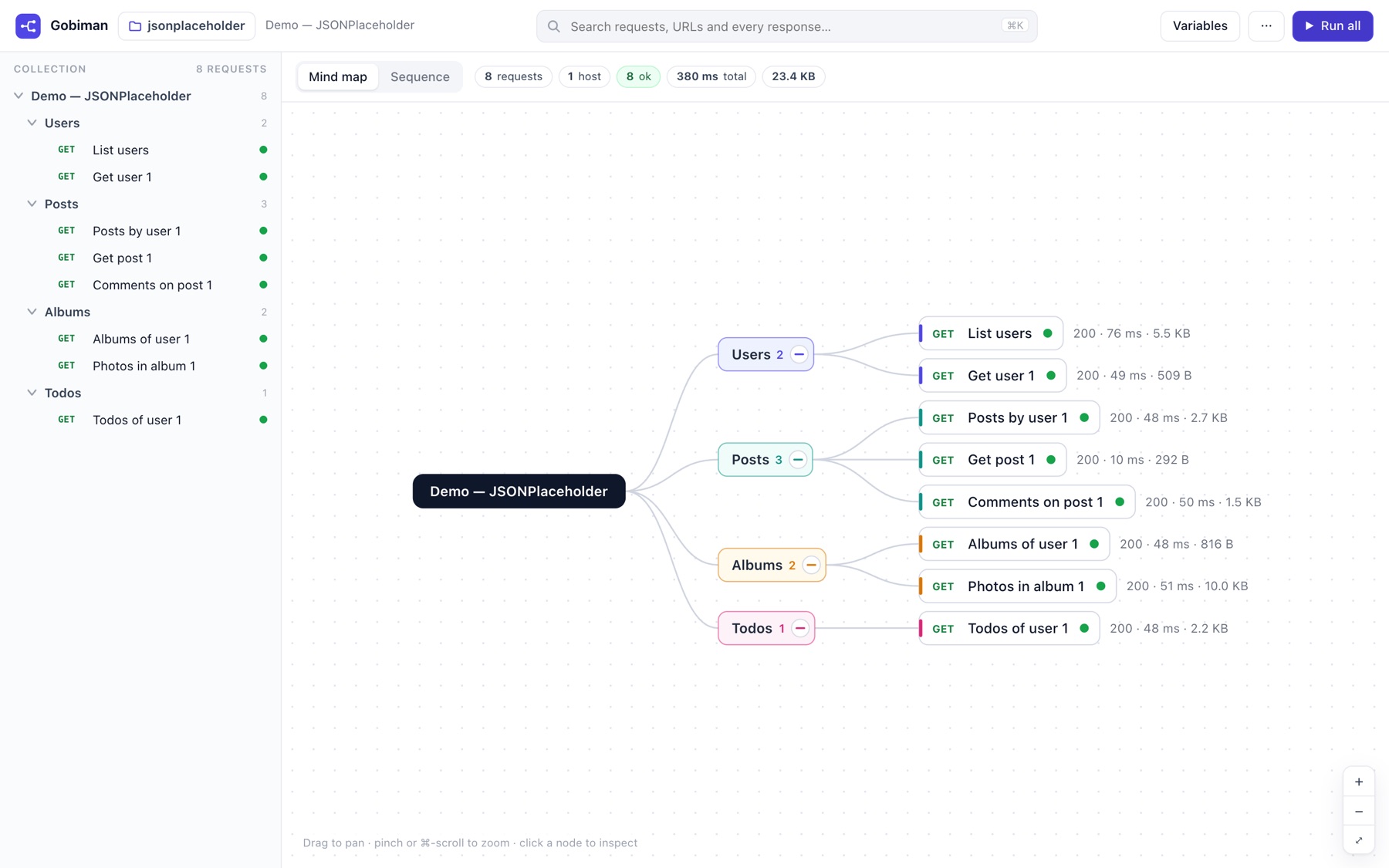
A mind map
The collection as a collapsible tree. After a run, each request shows its status dot, status code, time and size. Dashed arrows appear between calls when an ID hard-coded in one request first appeared in an earlier response: the map shows you which call feeds which.
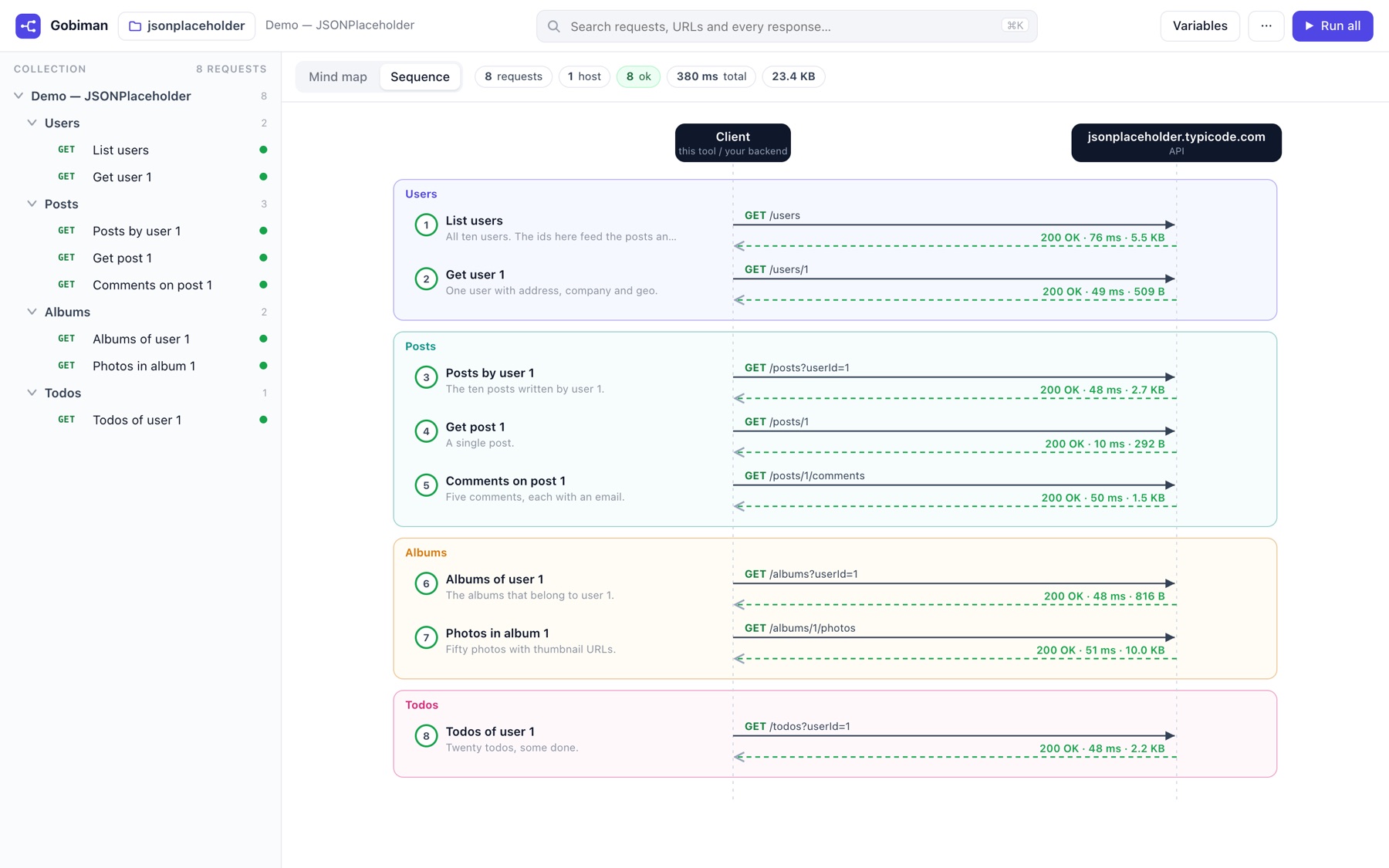
A sequence diagram
Client ↔ API, in call order, grouped by folder, with the path on the request arrow and the status on the response arrow. Loops in a folder are drawn as loops. It is the picture you would draw on a whiteboard to explain the flow to a new teammate.
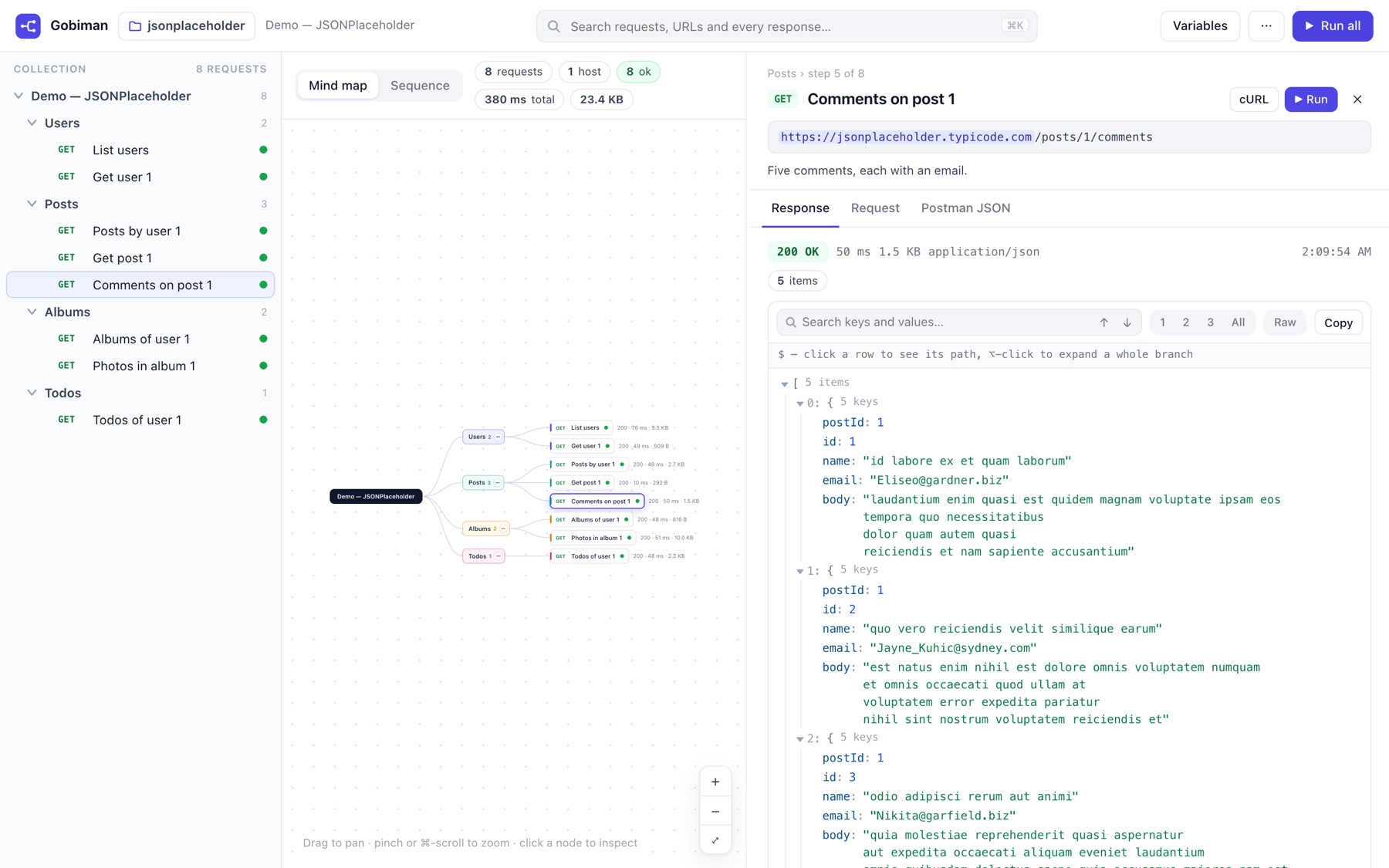
An inspector with a real JSON viewer
Resolved URL with the variables highlighted, the description, headers, body, scripts and the raw Postman JSON. The response opens in a collapsible tree with inline previews, depth 1/2/3/all, copy value, copy JSONPath, and chips on IDs that other requests use.
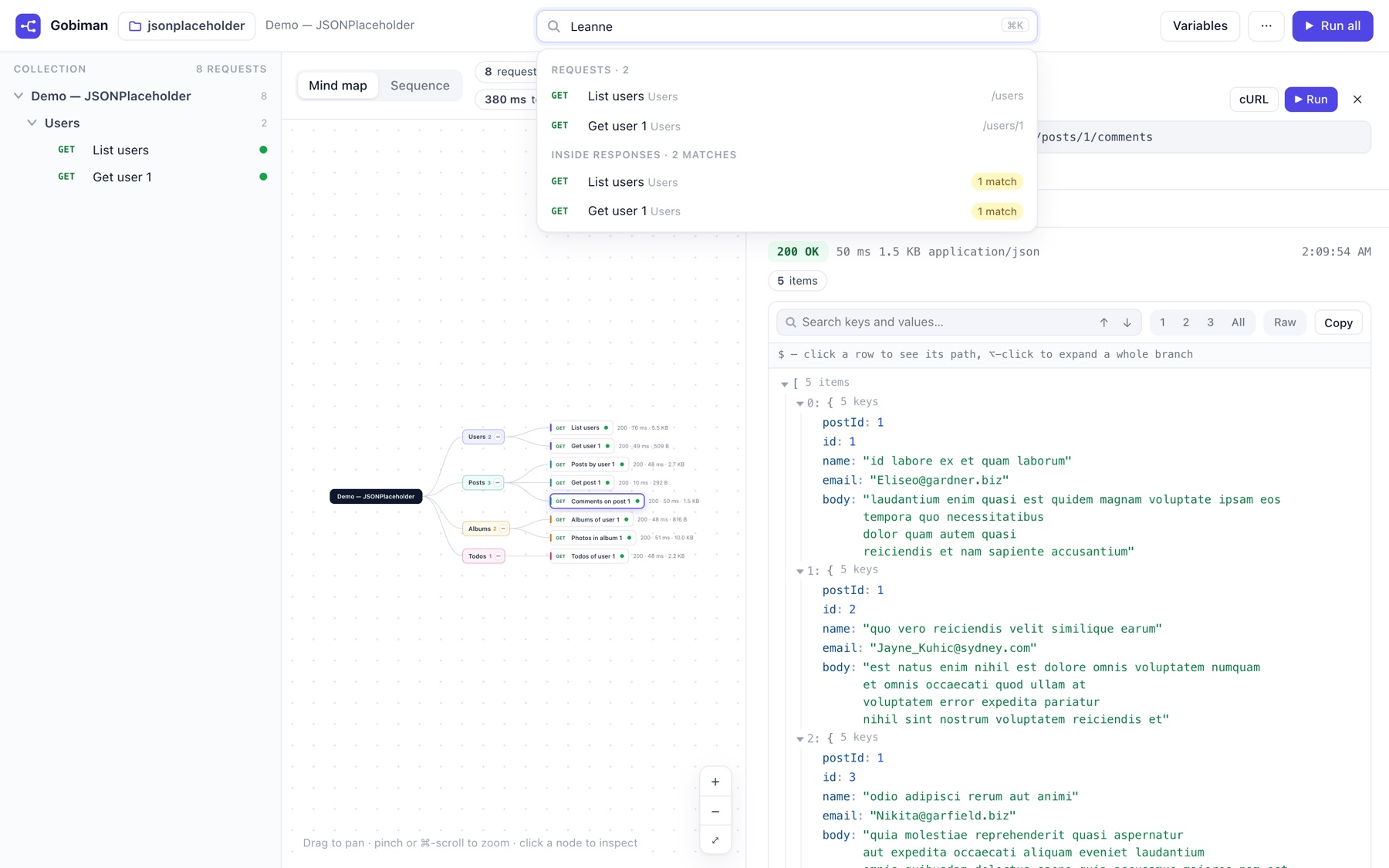
Search across everything
⌘K searches request names, URLs, descriptions and the full text of every response you have run, then jumps to the match inside the JSON. “Where did I see that email?” takes one keystroke.
A run against a public API
To show it working on something anyone can repeat, I wrote an eight-request collection for JSONPlaceholder, the free fake REST API: users, posts, comments, albums, photos and todos, in four folders. Then I pressed Run all. Gobiman runs the requests in collection order; anything that can change data (PUT, POST, PATCH, DELETE) asks first, and you can run only the read-only ones.
- requests, all GET
- 8
- answered 200 OK
- 8
- for the whole run
- 380 ms
- of responses, searchable
- 23.4 KB
The other demo in the repository, Swagger’s Petstore, is also public and needs no token. The morning I ran it, its inventory endpoint answered 500. Gobiman painted that node red and put the status on the arrow, which is exactly the behaviour I wanted: the map tells the truth about the run, it does not tidy it up.
How it works
The server is a proxy, and only that. The browser cannot call most APIs directly because of CORS, so the page sends each request to the local Node server, which makes the call and returns the body, headers and timing. The server binds to 127.0.0.1 only and rejects cross-origin callers, so nothing else on the network, and no other browser tab, can use it.
Tokens live in memory. Click Variables and paste a bearer token; it is held by the server process and never written to disk. Stop the server and it is gone. To pre-fill one at start: GOBIMAN_VAR_token=… node server.js.
Workspaces are folders. Every folder under collections/ is a workspace: drop in a *.postman_collection.json and, if you have one, its environment file. The start screen lists them; the folder icon in the top bar switches. You can also import a file for one session, or drag it onto the page.
Data links are computed, not configured. After a run, Gobiman collects every ID-like value in every response and looks for the same values hard-coded in later request URLs. Where it finds one, it draws a dashed arrow from the response that first produced it to the request that uses it. That is the picture that was missing from the list view.
It understands Postman Collection v2 and v2.1: folders, raw, urlencoded and GraphQL bodies, collection- and request-level bearer and basic auth, collection and environment variables. Test scripts are shown but not executed. The URL hash is a shareable deep link: #ws=jsonplaceholder&sel=1-2&view=seq opens that workspace, that request, that view.
Try it, or run it
Try it at gobiman.carebun.com. It is the same server in hosted mode: pick a demo workspace or drop your own collection on the page, press Run all, and read what came back. Every browser gets its own in-memory session; nothing is stored, and a session is dropped after two hours of silence. The hosted tool calls the public internet only, so an API on your own network will not answer from there. A token you type into Variables lives in that session and nowhere else. Fine for an afternoon with a public API; for credentials that matter, run it on your machine:
git clone https://github.com/madhudream/gobiman
cd gobiman
node server.js            # → http://localhost:4600
Needs Node 18 or newer. The Petstore demo workspace is in the repository, so there is something to click before you add your own collection. To read collections from another folder: node server.js /path/to/folder.
Gobiman is on the tray as one of the parts we build in the open, next to HanuDB and the Experiments Lab. If you point it at a collection and something looks wrong, open an issue on GitHub; every note is read.
carebun.com